Turn two iPhones into a remote camera.
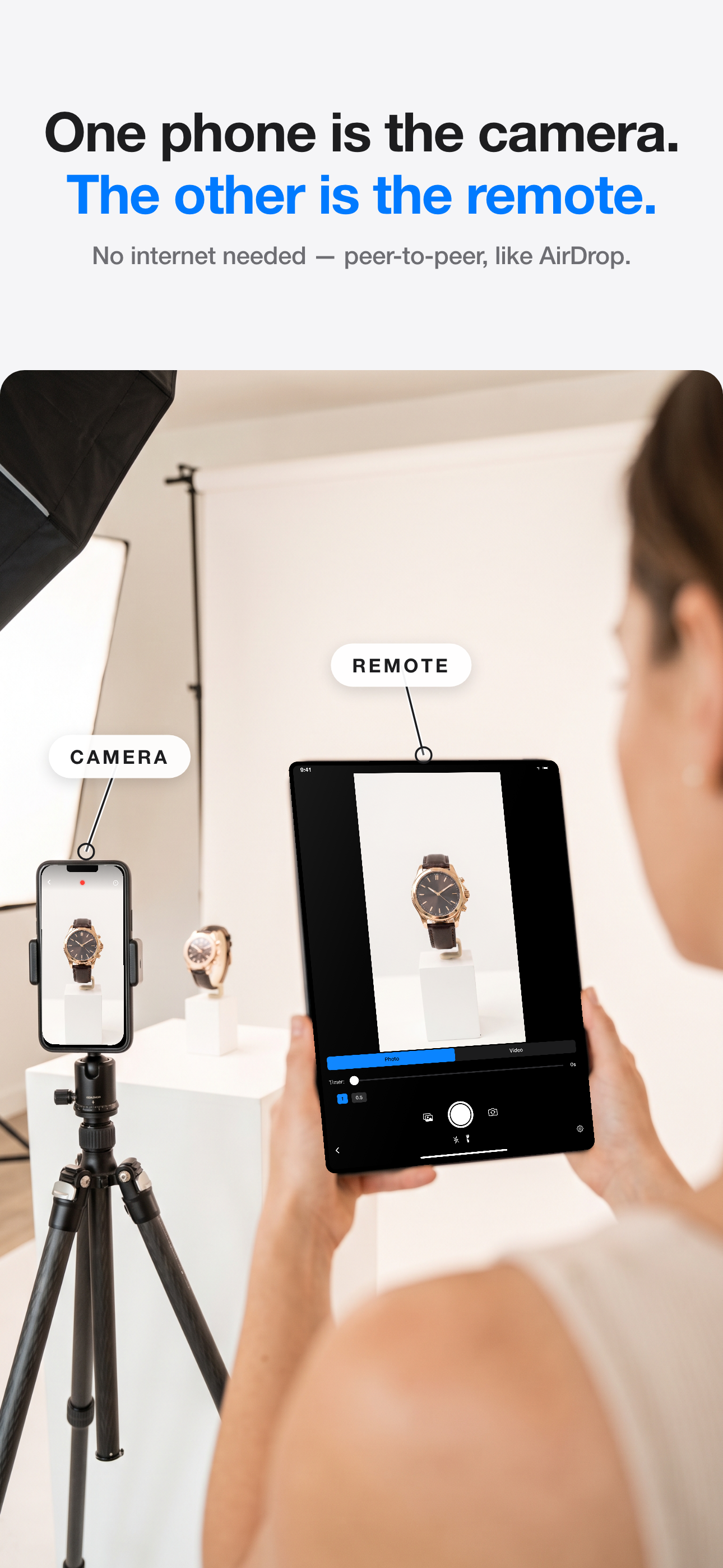
One is the camera. The other is the remote — with live preview.

Live preview
See what the camera sees
Photos & video
Capture from the remote
Full control
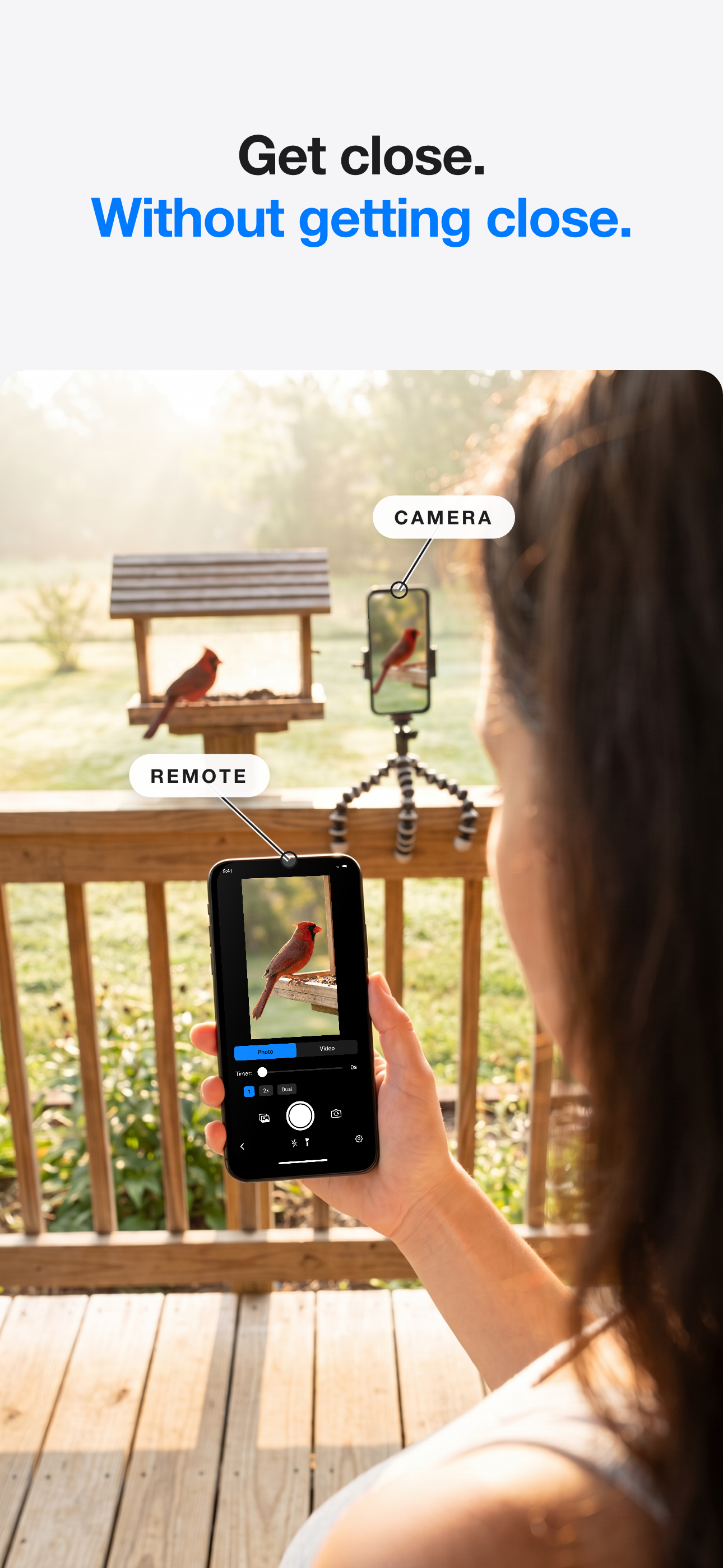
Flash, lenses, front or back
No network, no account
Devices connect directly
How it works
- 1Install on both devices
- 2Connect
- 3Pick camera & remote
- 4Shoot
What is Remote Shutter?
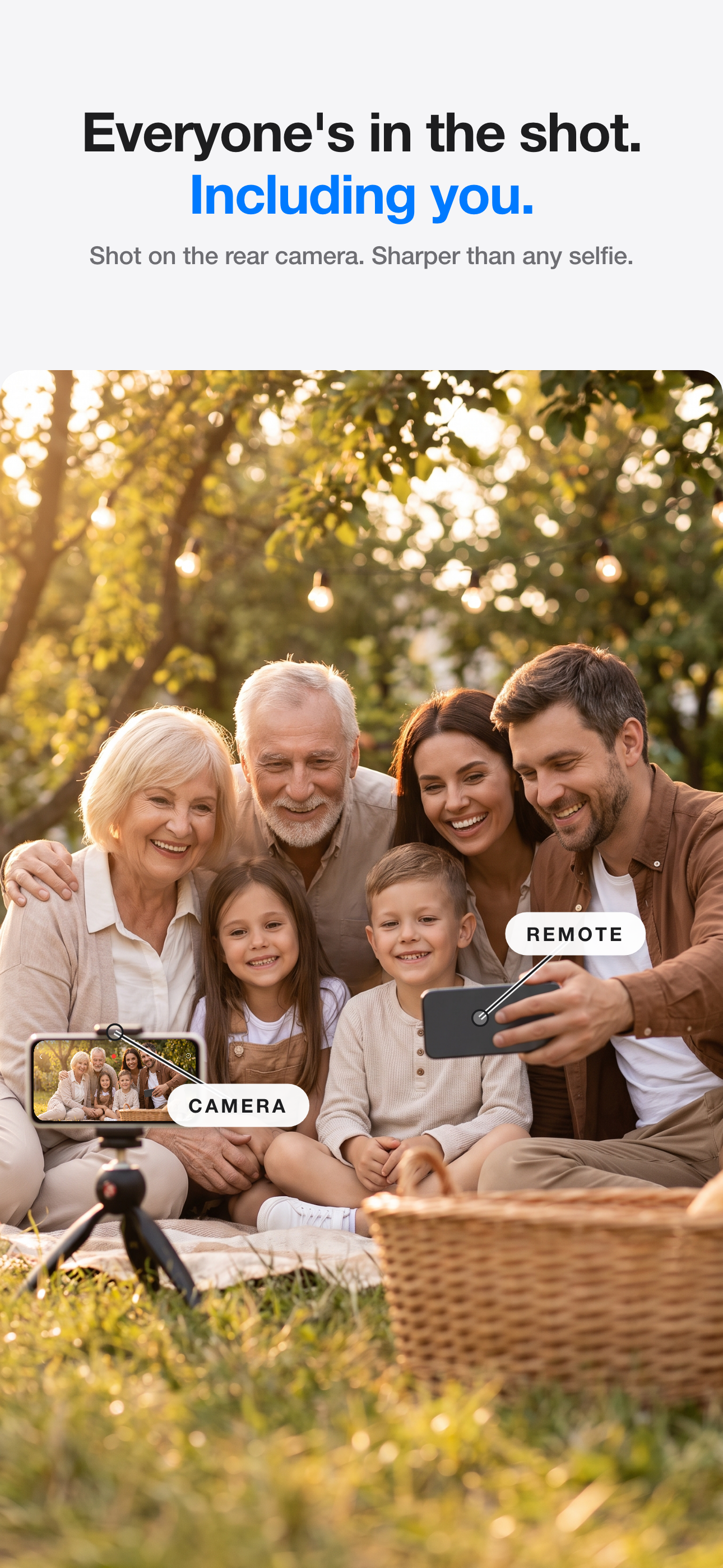
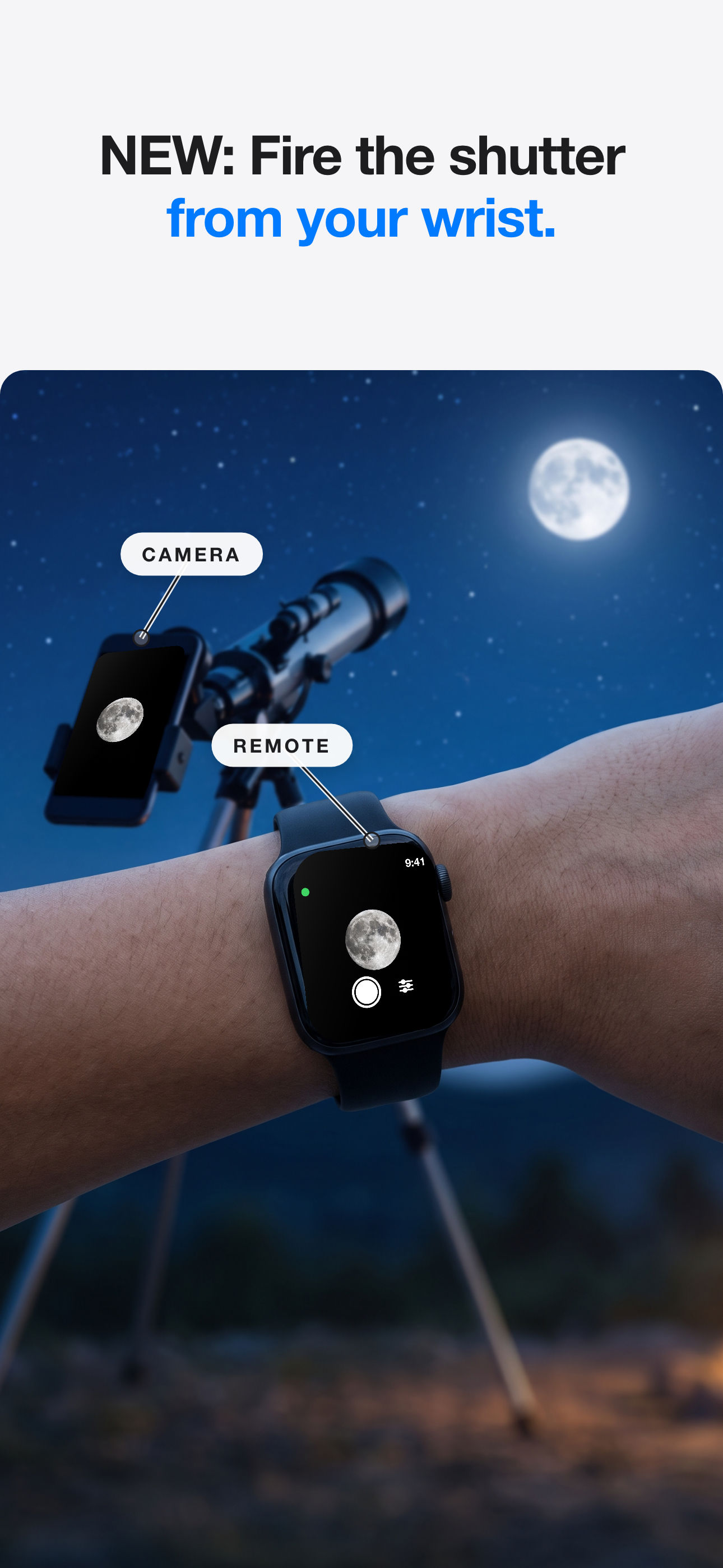
Remote Shutter turns any two Apple devices into a wireless camera system. One device — an iPhone or iPad — is the camera. The other — an iPhone, iPad, Apple Watch, or Apple-silicon Mac — is the remote, with a full live preview of what the camera sees plus controls for the shutter, video recording, lenses, flash, and front or back camera.
The devices connect directly to each other, peer to peer: no Wi-Fi network, no cellular signal, no account, and nothing uploaded to any server. That makes it work anywhere — a group photo at the beach, a spare iPhone watching the backyard, or an overhead video rig monitored from an iPad or Mac. Range is about 50 feet line of sight, or your whole network when both devices share Wi-Fi.
Frequently asked questions
Does Remote Shutter need Wi-Fi or an internet connection?
No. The two devices connect directly to each other over peer-to-peer Wi-Fi — no router, no cellular signal, no account. It works at a beach, on a trail, or in a basement with zero bars. If both devices are on the same Wi-Fi network, that works too.
Which devices can I use?
Any two Apple devices: iPhone, iPad, Apple Watch, or an Apple-silicon Mac. One acts as the camera (iPhone or iPad), the other as the remote with a live preview — a spare iPhone becomes a wireless camera, or an iPad or Mac becomes a big director’s monitor.
Can I record with multiple iPhones at the same time?
Yes — Multicam. One iPhone acts as the director and connects up to four iPhones as cameras. You see every angle live in a grid, and one shutter fires photos or video on all of them at the same instant. The clips collect back to the director, time-aligned, so you can cut between angles in any editor. Two cameras are free; Pro unlocks four.
How far away does the remote work?
About 50 feet (15 m) with line of sight when the devices connect directly. On a shared Wi-Fi network, range is whatever the network covers.
Can I record video remotely, not just photos?
Yes. You can start and stop video recording from the remote device, watching the live preview the whole time.
Is Remote Shutter free? Is there a subscription?
The app is a free download with no account and no subscription. Live preview and remote photo capture work for free; one-time purchases unlock video recording and the full feature set.
Where do my photos and videos go?
They save to the camera device’s photo library and never leave your devices. Nothing is uploaded to any server.
Field kit
Tripods, mounts & lenses we shoot with →
Blog
Tips & updates →